For freelancers and consultants who sell their services on LinkedIn
Turn your offer into a clear, professional LinkedIn banner.
Describe your services, choose a layout, and make it yours.
See your proposals without an account, download for free (watermarked) with one, or go Pro to save your banners and remove the watermark.
From what you offer to your profile
Answer three short questions. Bannerly writes up to three proposals from your own words — it never adds figures, clients or results you didn’t give it — and you edit anything before exporting.
1 · Your offer
- Who do you help?
- B2B service SMBs
- What do you offer?
- No-code & AI automation
- What outcome do you aim to bring them?
- save time on quotes and invoicing
- Call to action (optional)
- Message me on LinkedIn
2 · A proposal → 3 · On your profile
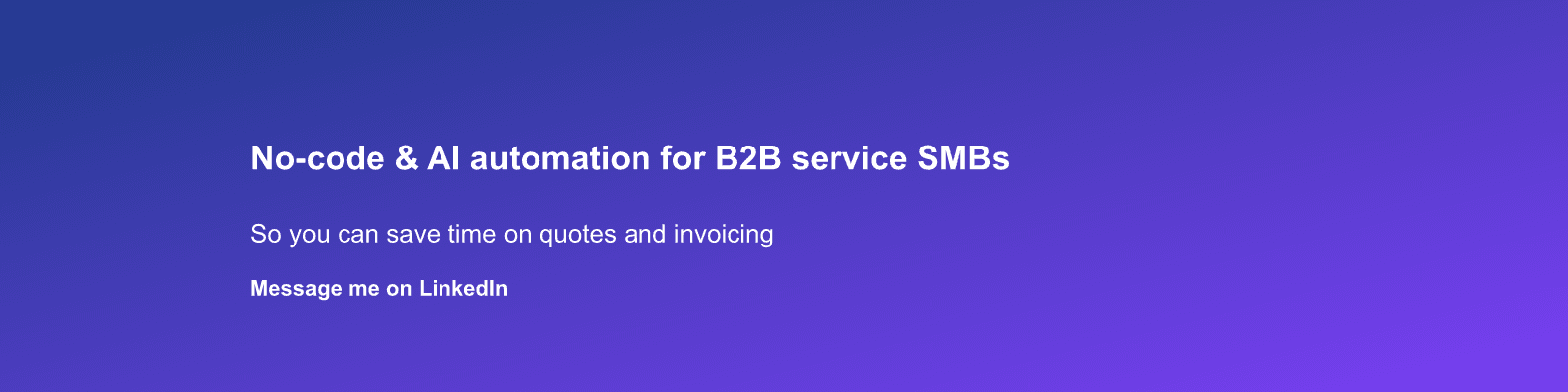
Your name
Your headline on LinkedIn
Illustrative example: a fictional offer, rendered with Bannerly (Pro export, no watermark). Real display varies by device.
Examples for service businesses
Fictional offers — not clients or results. Each banner was generated by the offer flow.
No-code automation consultant · fictional example
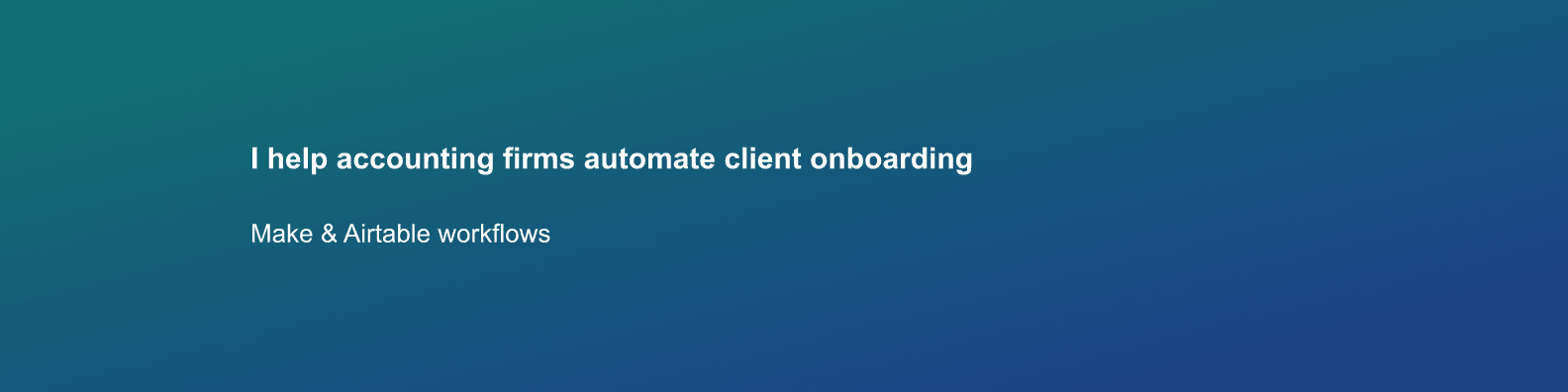
Operations freelancer · fictional example
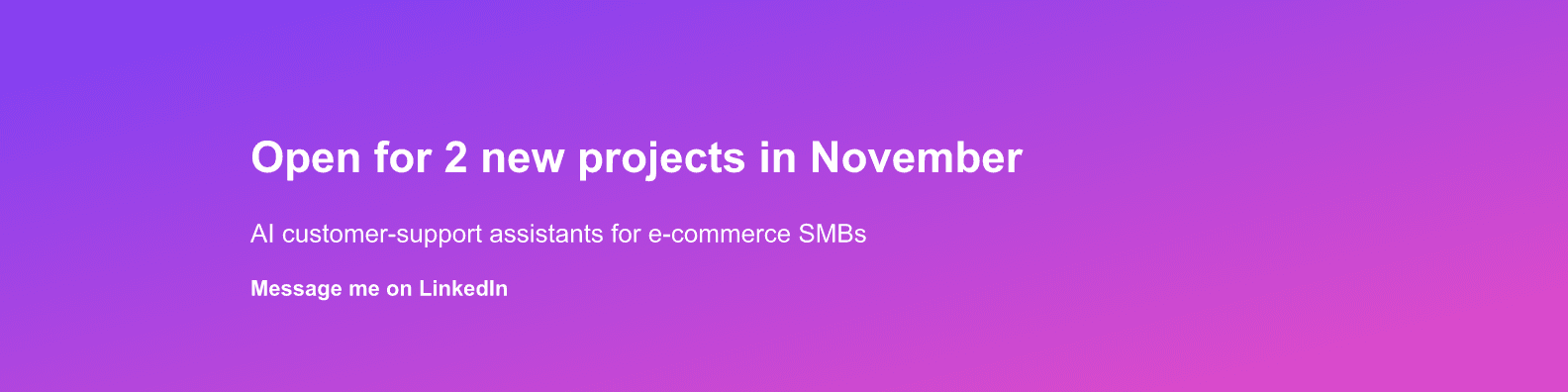
AI consultant announcing availability · fictional example
Other ways to use Bannerly
X & Facebook banners
The same proposals and editor work for X (1500×500) and Facebook covers — pick the network in the first step.
Template gallery & freeform editor
Start from a template or a blank canvas: layers, icons, images and colors, fully under your control.
A banner that stays up to date
Show your MRR or subscriber count from Stripe, your X followers, or your LinkedIn photo — refreshed on a schedule, from every 6 hours to weekly, and ready to download. Instagram is in beta.
Works with your AI assistant
Connect Claude or Cursor with a personal API key, then ask it to draft, update or schedule your banner. Same proposals, same rule: no invented figures. Pro.
Sizing questions? Read the LinkedIn banner size guide or the LinkedIn banner maker page.
Simple, transparent Pricing
Download for free with a watermark, go Pro to save and remove or brand it. See the full pricing breakdown.
Free
0€
Proposals, templates and the editor. Watermarked downloads with a free account.
Pro
From 2.99€/mo
Monthly, or 50€ once for Founder Lifetime access — choose at checkout.
Founder Lifetime: limited to 50 accounts